The journey continues…
Hello once again! By the time this post is beeing written we have already in our hands the very first requirements for our project. Having a better understanding of what are going to build we can now slowly start looking into more technical requirements, and issues regarding the implementation, but this is the future, and we haven’t yet discussed the present. Therefore, fasten your seatbelts as we are going to take a look at the route of gathering the requirements from our client, some user stories and some diagrams.
The first Meeting.
As logic (…and Agile/Scrum ) commands, in order to learn more about the project we had to meet with our client and discuss it. This is a terrifying thought for begginer software engineers like us. It is not uncommon for a developer to imagine his client (or employeer) as his personal enemy that want to make his life unbearable with his endless requirements that most of the time conflict each other, or they are impossible to implement. So being developers as well, we pictured the first meeting somewhat like this:
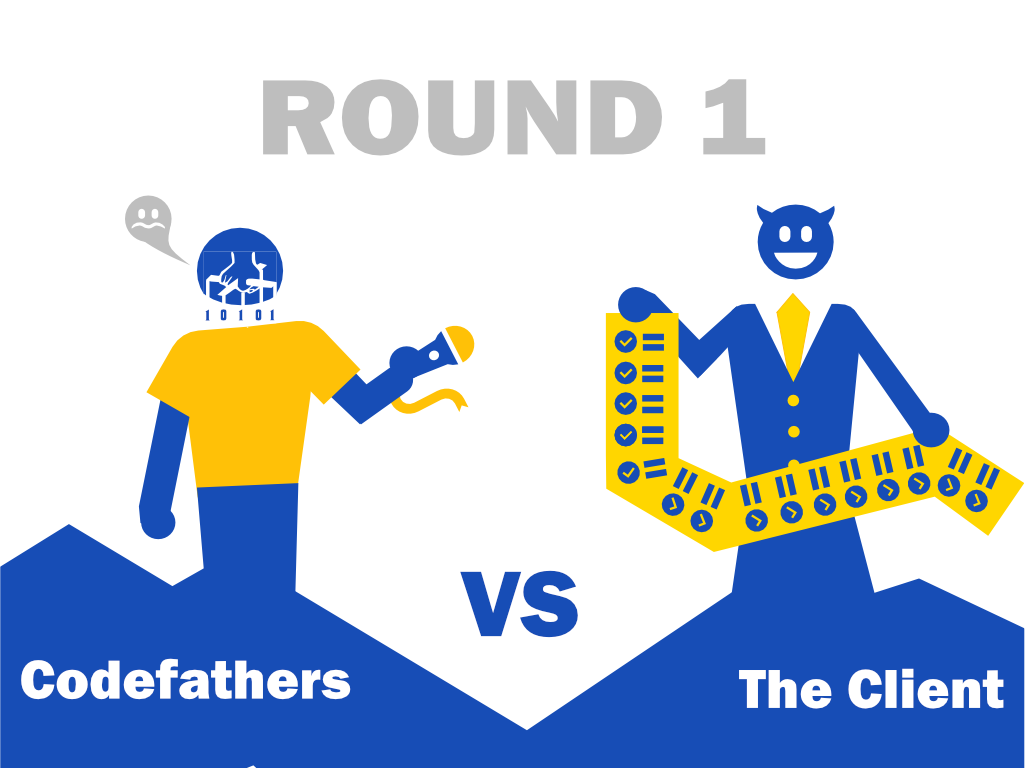
In the end the client proved himself somebody that knows what he wants, and we were able to extract most of the requirements by letting him freely explain how he pictured the application, after that we asked him general questions based on what he described trying to maintain an order. Since we are 4 members, hence 4 minds thinking at the same time (parallel proccessing?) we were able to ask questions that we might not have thought individually, and at the same time we kept notes.
If there was something that we perhaps did wrong is that some of us , were overtaken by excitement, therefore we started asking the client for some improvements and further expansions of some of his spesifications, something that would eventually led up to adding more complexity to the project. However the client was able to characterize those features as not really important at the moment.
What came after, and the first user stories .
At first we indivudally cleaned up the notes we gathered, and we posted them in the form of bullet points in a issue we opened on github. In the next team meeting we went through everything we gathered and tried to write them down in a more formal way, and we also removed requirements that were duplicates, or that were not really important for the simple version of the project. In the end we had a nice bullent point list for what every individual entity should (or want ) to do. After this we created the user stories for all our users.
We also take some notes of questions on some requirements that were either unclear or incomplete, or for whatever reason we wanted more details. By doing that we were ready for the next meeting with the clients.
So the user stories were something like this
As a user
- I want to have an easy to use emergency button because i might need to quickly send an emergency alert to my followers.
- I want to have the option to abort a tracking.
- I want to recieve a prompt to that allows me to abort the trip if I am too late or stop for too long or continue it by recalculating the arrival time.
to be able to create trackings
- to insert destination, because my trip needs to end and begin somewhere.
- to select contacts from the contact list as followers so that they can be notified
- I need to allow or disallow the option to share my location on emergency notifications
- I need to estimate my arrival time
- I need to review and start my tracking
my followers to be notified
- I need my followers to get an emergency notification if i press the emergency button
- I need my followers to get an emergency notification if i stop for a long period without responding.
- I need my followers to get an emergency notification if i haven’t reached the destination on time
- i want to notify the followers that a new tracking has begun from the follower
-
i want to notify the followers that i have arrived safely to the destination. ____________ *As a follower *
- i want to have a situation log of tracking details**
Those are the most user stories that can be analysed more perhaps.
The (hopefully) final showdown.
We had our user stories, we had our questions ready, and armed with those we entered the meeting room for the next meeting where we should validate if we got everything right. This is the point that one may wondered if everything that he did would rejected, and so were we. Perhaps this is how we imagined that this meeting whould go:
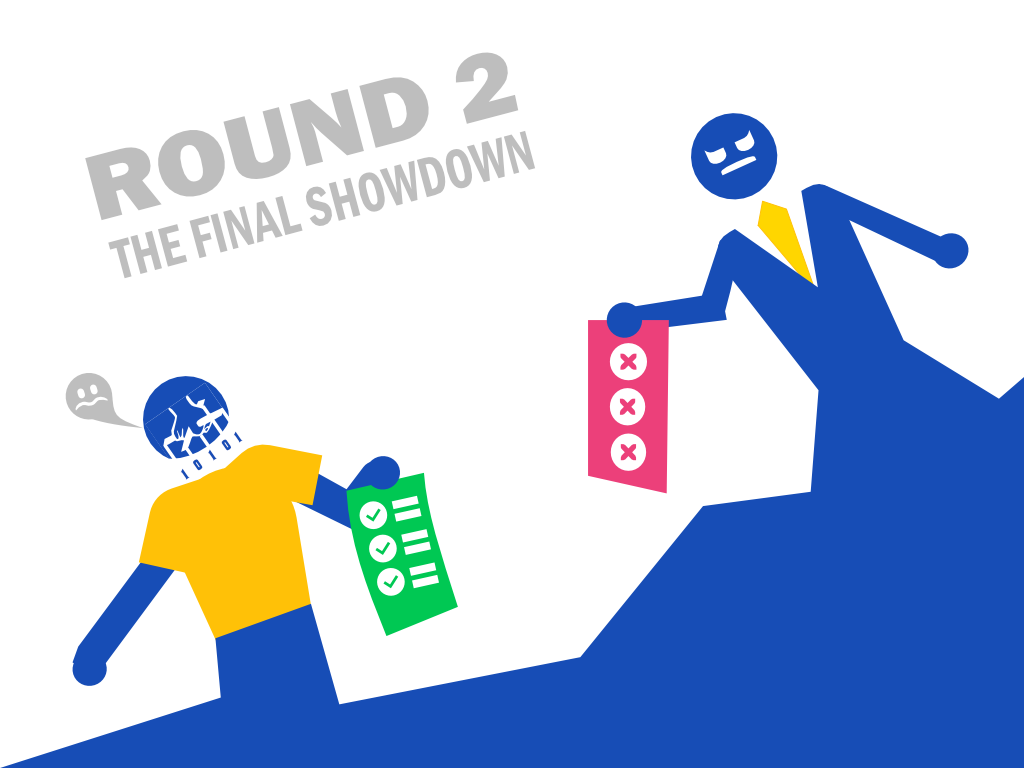
once again though, we were suprised to see that the client approved and aggreed to almost everything, with some notes here and there. There were some things that we get wrong though.
-
The user can’t abort the tracking unless he stays at a place for too long, or he is late to his arrival destination. We thought that the user could abort the tracking at any point of time.
-
the follower only recieves an emergency notification when the user pushes the emergency button. As a result notifications are separated by level of importance in order to be displayed differently to the follower.
-
the follower would simply recieve a simple alert when the user dont respond or aborts the track.
-
the follower can select to stop tracking a user, in this case the user will get a notification.
-
the user will have a global setting to allow or disallow location details sharing to his followers when pushing the emergency button…
Therefore we needed to edit some parts of our user stories:
so in the user part we removed the option:
- i want to have the option to abort a tracking.
added the story :
- i want to get notified if a follower stops tracking me.
We moved the “I need to allow or disallow the option to share my location on emergency notifications” outside of the epic “create a tracking”
and we edited the story about the emergency notification as follows:
- I need my followers to get an alert notification if I stop for a long period without responding.
- I need my followers to get an alert notification if I haven’t reached the destination on time
For the follower we added the story:
- i want to be able to stop tracking somebody.
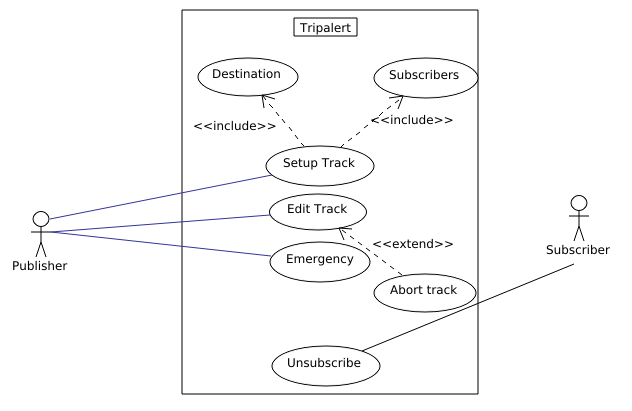
we also made a use-case diagram about the procedure of creating a tracking
Aftermath
By going through through this we are able now to begin more active research on how we will implement those requirements. Unfortunately we were not able to estimate an ammount of time for each of those stories since we have no experience (or not that much ) in android development to be able to do so, but as long as we review some of the technologies that we will use, we will be able to have a better view.
What is more some of the user stories are a bit generic, and will perhaps break down to more simple tasks, but this will be done at the point of the implementation for our convience.
Bonus Section: The App Logo!!!
While we were not able to present any estimation about the time it will take, we did create the the official app logo (and the name)!.

At first we were considering names like “GoHome!” which definitely sounded more “offensive” than what we wanted and the triangular “warning”-type logo didn’t help at all. We completely droped this name, but we kept the alert part of the logo, so Tripalert was born.
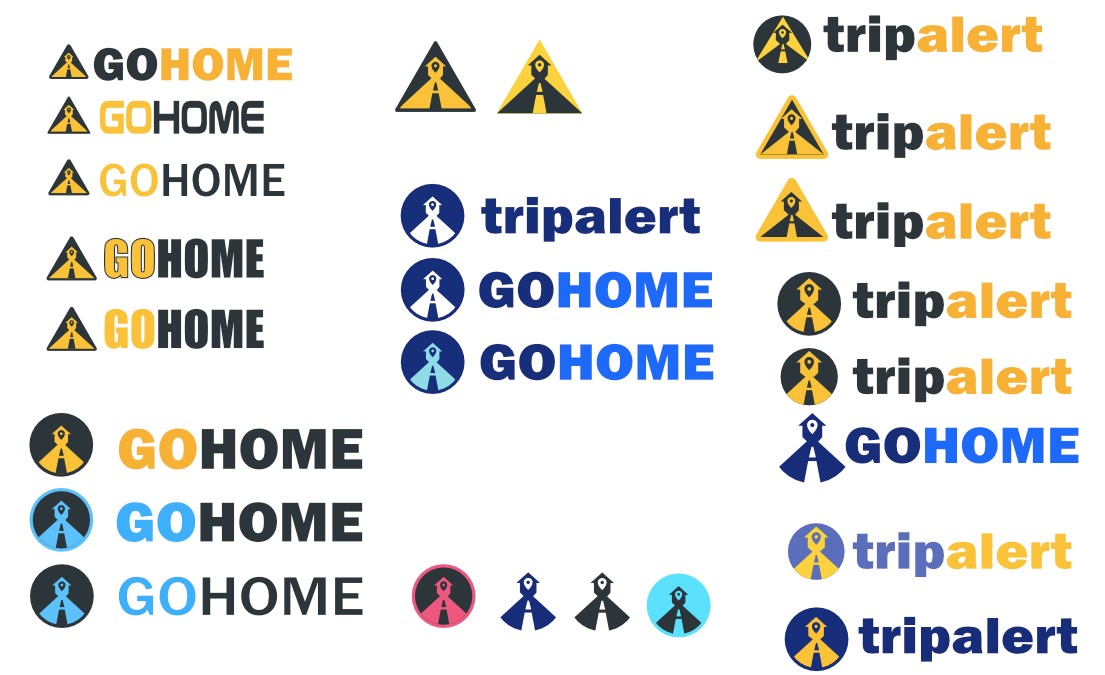
What is more the triangular logo did not look good at all not only combined with the typefont, but as well as in an application slot at an actual smartphone that we tested it. That’s why we went to an old and classical circular shape that fits in every occasion, while keeping the simple design and the bright yellow and dark gray combination which created a great contrast and made the design to stand out!
Of course those were not the only logos we considered so here are some alternatives.
And that was all for now, the roads continues, and we are getting closer and closer to the implementation phase.